Android Endoscope Camera Explained: A UK Buyer's Guide
TL;DR
An Android endoscope camera is a small inspection camera that plugs into your Android phone by USB-C, so you can look inside ducts, wall voids, plant-room equipment and pipe runs without opening anything up. Your handset needs USB OTG and UVC support for a wired camera to work. For HVAC and property maintenance use, choose a slim 6mm probe with an IP67 rating and mechanical articulation — steering the tip is what turns “I think it's clear” into footage you can file with the job sheet.
Key Takeaways
- An Android endoscope camera uses the work phone you already carry as the display, recorder and sharing tool — no separate monitor in the van.
- Check USB OTG and UVC support on your exact handset before buying; without both, a wired camera will not show an image.
- A 6mm articulating probe inspects duct branches, heat-exchanger chambers and boxed-in services through existing access points, which means fewer panels cut and fewer ceilings opened.
- Photos and clips saved straight to the phone become inspection records for landlords, facilities clients and contractors.
- IP67 sealing on the probe and lens handles condensate, wet voids and grimy risers; the phone end must stay dry.
What is an Android endoscope camera?
An Android endoscope camera is a miniature inspection camera on a slim cable that uses your Android phone or tablet as its screen. Instead of a dedicated monitor that lives in a case and is never charged when you need it, the live feed, the recordings and the sharing all happen on the device already in your pocket.
For maintenance work across flats, offices and plant rooms, that pairing is the point. You inspect, you record, and the evidence lands in the same phone you use to message the property manager — date-stamped, attached to the job, done.
How does an Android endoscope camera work?
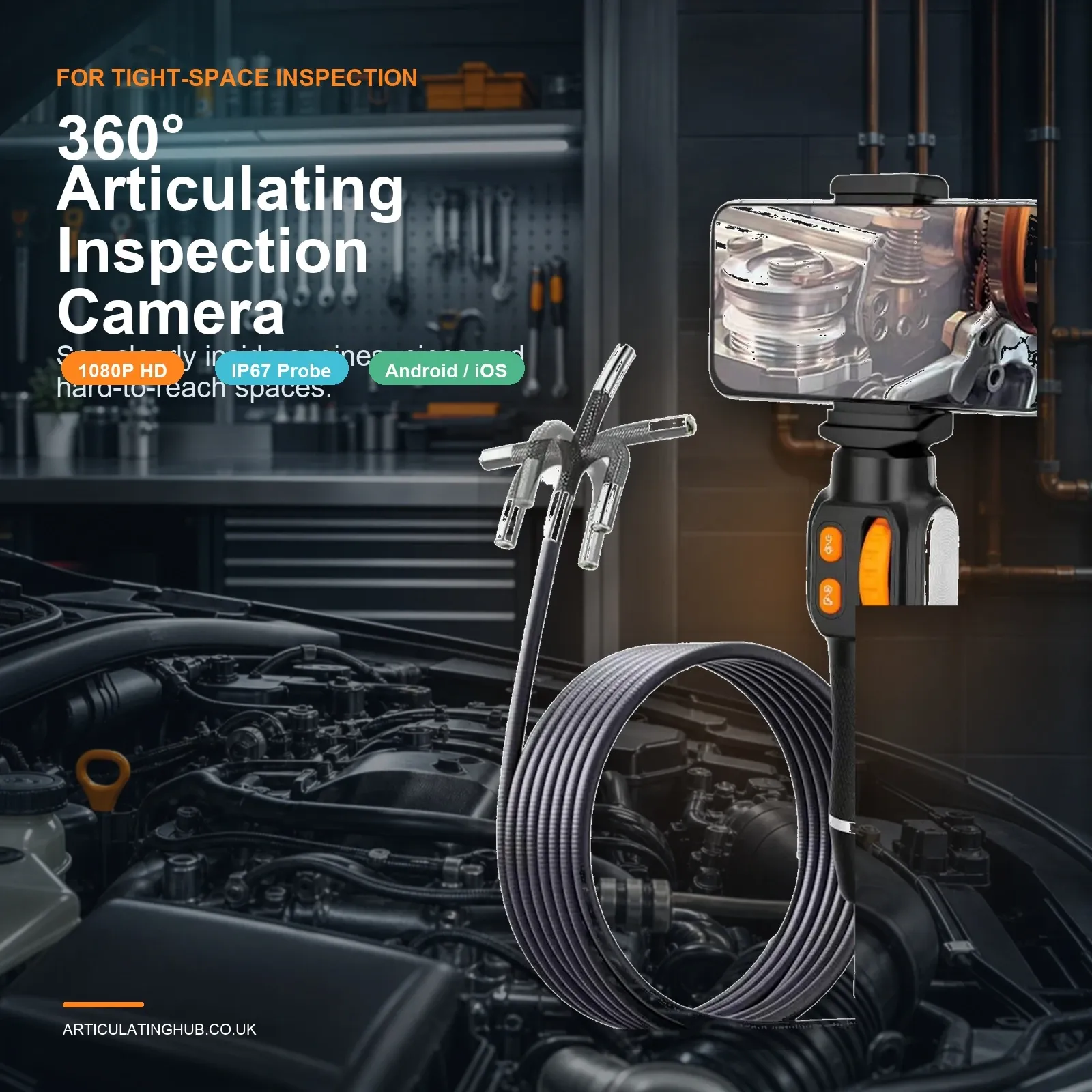
Wired models connect through the USB-C port. The phone powers the camera head and its LEDs, and an app displays the live video. The C30 plugs into a USB-C phone with the USB-C lead in the box. The picture shows on the phone.
Does my phone need USB OTG and UVC support?
Yes. USB On-The-Go (OTG) lets the handset act as host and power the camera; USB Video Class (UVC) lets it recognise the camera as a video source. Most recent Samsung Galaxy, Google Pixel and OnePlus handsets support both, but some budget and older models do not. Check the OTG setting in your phone's menu — on many handsets it must be switched on manually — and confirm UVC support for your exact model before ordering any wired camera.
Do rugged work phones cause problems?
Occasionally. Some rugged Android handsets route USB through port covers or accessories that interfere with OTG power delivery. If your site phone is a rugged model, test with the port cover open and OTG enabled; if the feed does not appear, try the same camera on a standard handset before blaming the tool.
What is an Android endoscope camera used for in property maintenance?
Anywhere the alternative is cutting an access hatch or lifting a ceiling tile grid on suspicion alone. Typical jobs where a steerable probe pays for itself:
- Ductwork: feed the probe through an existing grille or spigot and steer it down the branch to check for crushed flexible duct, disconnected joints, debris or vermin evidence — without cutting the ceiling to have a look.
- Heat-exchanger and appliance chambers: a visual sweep of accessible chambers and casings shows scale, corrosion or debris before you order parts. (Anything gas-side stays with a Gas Safe registered engineer — the camera is for looking, not for signing off.)
- Risers and boxed-in services: trace condensate runs, look behind bath panels and check pipe boxing in tenanted flats without opening decorated surfaces.
- Void and cavity checks: confirm insulation position, find where a leak is tracking, or check what a previous contractor left in the ceiling void.
Recording matters as much as looking. A 20-second clip saved to the phone settles the “was it actually blocked?” conversation with a landlord or facilities client, and gives your maintenance log something better than a description from memory.
If your work is mostly tight gaps on an engine rather than buildings, the buying logic changes — our 6mm endoscope camera guide covers engine-side inspection in detail.
What should you look for when buying an Android endoscope camera?
Is mechanical articulation worth it?
For building services, emphatically yes. Ducts branch, voids turn corners, and the thing you need to see is rarely straight ahead. A fixed lens shows you the duct wall; a two-way steerable tip — the C30 bends both ways on a slider, giving a wide view — lets you look along the branch, back at a joint, or up into a chamber from below. That is the difference between an inspection and a poke around.
What probe diameter is best?
Around 6mm. It passes through grille gaps, tile-edge openings and existing service penetrations while still carrying LEDs around the lens and a 1920 × 1440 sensor. Larger probes need larger openings, which defeats the purpose of inspecting without cutting.
How waterproof should it be?
Specify IP67 on the probe and lens as the working minimum. Condensate trays, wet risers and grimy voids are routine contact; an IP67 probe wipes clean and carries on. Keep the handle, connector and phone dry — the rating covers the probe end, not the whole kit. For genuinely wet plumbing work, our waterproof snake camera guide goes deeper on IP ratings in drains.
What image quality do you need?
1080p is the practical minimum on a modern phone screen, but close-focus behaviour and lighting control decide whether the image is usable. Most maintenance subjects sit 2–10cm from the lens; adjustable LED brightness stops galvanised duct and white uPVC from washing out to glare.
Cable length and stiffness
The cable on the C30 is 1 m. A slider on the handle bends the tip both ways, which suits duct branches, plant-room equipment and boxed services. Long soil stacks need a longer push rod; long soft cables are for soil stacks, not ceiling voids.
Are cheap Android endoscope cameras any good?
For a one-off look behind a kitchen unit, a budget fixed-lens model may be enough. For repeat maintenance work they fail in three predictable ways: poor low-light image, stiff unsteerable cables that cannot be aimed once inside, and apps that stop being updated. If inspection is part of how you earn, a steerable unit at the £62.71 level is the better value over a year of jobs — and it comes with a 12-month UK warranty and 30-day returns rather than a marketplace shrug.
FAQ
Will any Android phone work with an endoscope camera?
No. The phone needs USB OTG and UVC support, and some handsets need OTG switched on in settings. Check your exact model before buying.
Do Android endoscope cameras need an app?
Usually yes. The C30 uses the phone on a USB-C phone for live view, photo capture and recording. Some UVC cameras also work with generic viewer apps, but stable manufacturer software is worth having.
Can an Android endoscope camera record video and photos?
Yes. Footage and stills save directly to the phone, which is exactly what you want for maintenance records, client reports and insurance evidence.
Can I use one to inspect gas appliances?
You can look into accessible, isolated chambers for condition evidence, but any work on gas appliances — and the judgement of what you find — belongs to a Gas Safe registered engineer. Never probe live equipment.
The bottom line on choosing an Android endoscope camera
Confirm OTG and UVC on your handset first, then buy for steering, probe size and sealing rather than headline resolution. For UK maintenance and HVAC work, a 6mm articulating probe with an IP67 rating — wired into the Android phone you already carry — means fewer opened ceilings, faster answers and a photo trail for every decision. That is what the C30 6 mm articulating endoscope is set up to do at £62.71.